Minimal Desk Setup Guide Everything You Need and Nothing You Don’t
This post contains affiliate links. If you purchase through them we may earn a small commission at no extra cost to you. Read our full disclosure here.
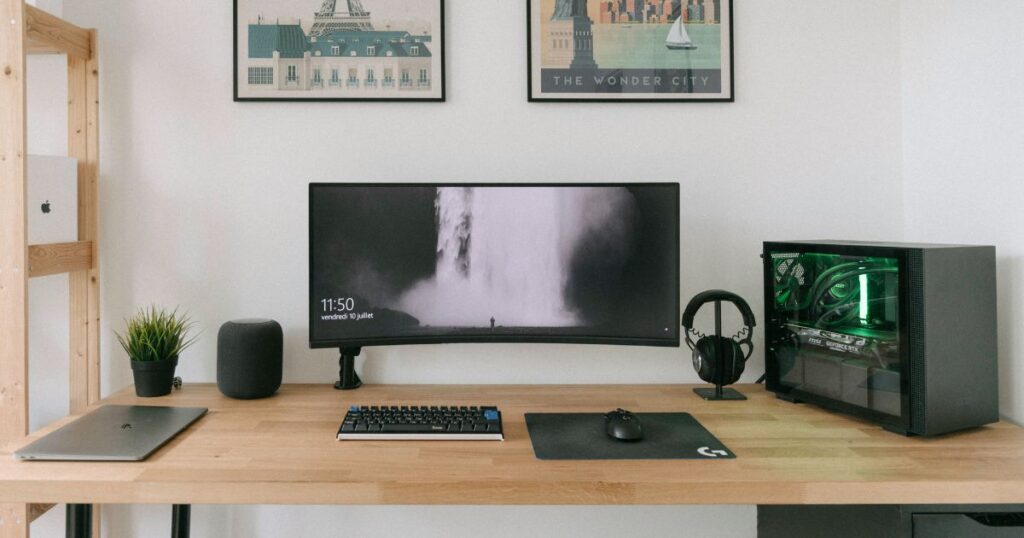
This minimal desk setup guide exists because there is a version of a desk setup that looks incredible in photos and another version that actually works well every day.
The gap between those two versions is usually filled with things that seemed necessary at the time — a second monitor that never gets used, a pen holder full of pens that stopped working months ago, a desk organizer that organizes nothing because everything just gets piled on top of it.
A genuinely minimal desk setup is not about having less for the sake of it. It is about having exactly what the work requires and nothing more. Every object earns its place or it does not stay.
This guide covers exactly how to build that kind of desk — from the surface up, in the order that makes sense, with two budget options so you can start wherever you are financially and build toward wherever you want to be.
The Philosophy Before the Products
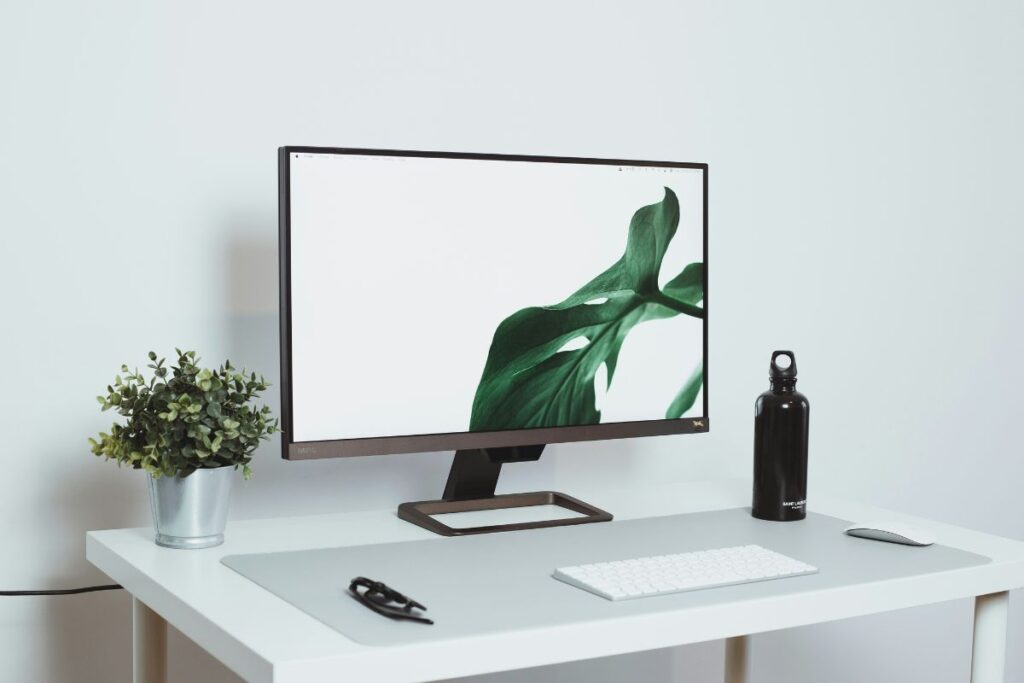
Most desk setup guides start with products. This one starts with a principle because without it the products do not make sense.
The principle is this — a desk should serve the work, not the other way around. Everything on it should make the work easier, faster, or more comfortable. Anything that does not do one of those three things is decoration at best and distraction at worst.
Applied practically this means asking one question before buying anything: does this make my work easier, faster, or more comfortable? If the answer is not an immediate yes it does not belong on the desk.
Keep that question in mind as you work through this minimal desk setup guide from surface to accessories.
Start With the Surface
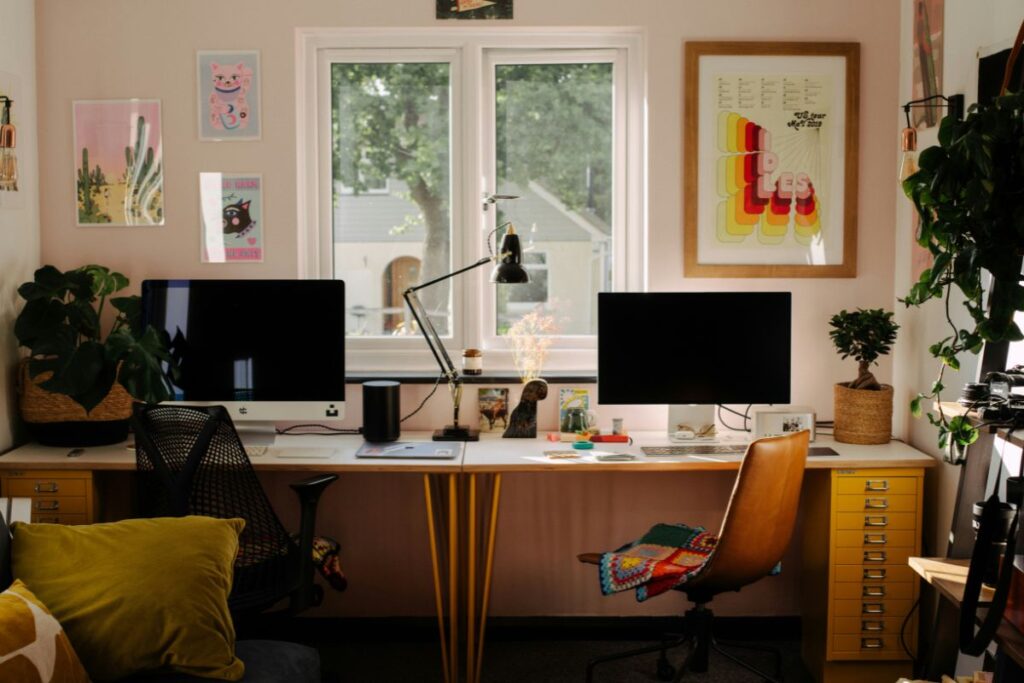
Before buying a single accessory the desk itself matters.
A desk that is too small forces compromise from the start. Everything feels crowded, cables have nowhere to go, and the setup never quite comes together no matter how well chosen the accessories are.
Minimum Desk Size
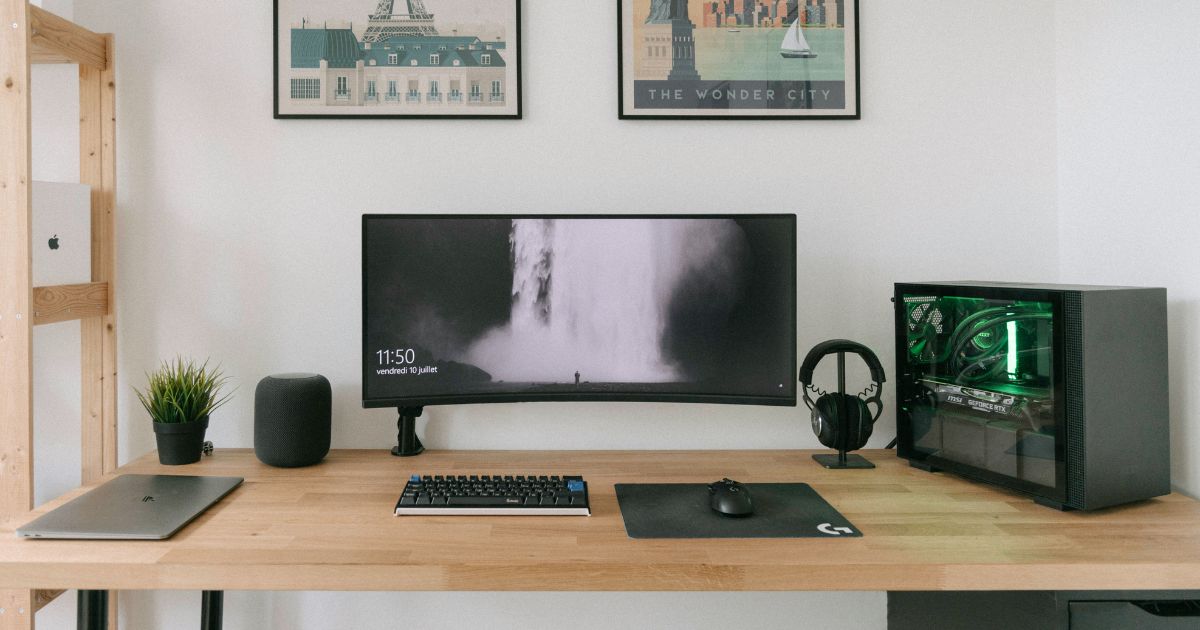
For a single monitor setup the minimum comfortable desk size is 120cm wide by 60cm deep. This gives enough room for a monitor at a proper viewing distance, a keyboard and mouse with comfortable elbow room, and a clear section of surface for actual work.
For a dual monitor or ultrawide setup aim for 150cm to 180cm wide minimum.
Desk Surface Material
| Material | Pros | Cons |
|---|---|---|
| Wood or wood effect | Warm aesthetic, durable | Heavier, more expensive |
| Bamboo | Sustainable, smooth surface | Can warp with humidity |
| Laminate | Affordable, easy to clean | Less premium feel |
| Glass | Looks clean initially | Shows fingerprints, cold feel |
Wood effect laminate hits the best balance of aesthetics, durability, and price for most setups.
Desk Color for a Minimal Setup
Stick to neutral surfaces — white, light oak, walnut, or black. Avoid anything with strong grain patterns or bold colours. The desk surface is the canvas everything else sits on — it should recede visually rather than compete.
The Core Setup — What Every Minimal Desk Needs

These are the non-negotiables. A minimal desk setup without these is an incomplete desk setup.
Monitor at Eye Level
The most important ergonomic factor on any desk. Your monitor should sit at a height where your eyes land naturally on the top third of the screen without tilting your head up or down.
If your monitor sits on its original stand it is almost certainly too low. A monitor arm raises it to the correct height, frees up desk surface, and allows you to push it back when you need more space and pull it forward when you need to focus.
This is the single upgrade that makes the most difference to both how a desk looks and how your body feels after a long day.
Keyboard and Mouse
For a minimal setup wireless is always the better choice. Cables between keyboard, mouse, and computer are the most persistent source of desk clutter because they move constantly and never stay tidy.
A wireless keyboard and mouse combination removes that problem entirely. The desk surface stays clear and the setup looks considered rather than accidental.
What to look for in a minimal keyboard — low profile, no numpad if you do not use one (a tenkeyless keyboard reclaims significant desk space), and a neutral color that matches your desk surface.
Single Monitor or Ultrawide
Dual monitor setups look impressive and work well for some workflows. For most people they create more distraction than productivity.
A single high quality monitor — or an ultrawide that replaces two — keeps the setup visually clean and forces a more focused way of working. If your work genuinely requires two screens that is a legitimate reason to have them. If you added a second monitor because it seemed like a good idea, consider whether it actually gets used.
The Considered Additions

These are the items that take a functional desk and make it genuinely pleasant to work at.
Desk Mat
A full width desk mat is the fastest visual upgrade available. It unifies everything sitting on it, protects the desk surface, and gives your mouse a consistent tracking surface across its entire range.
Go full width rather than a small mouse pad. The visual difference is significant and the practical difference — no more mouse running off the edge of a small pad — is immediately noticeable.
We covered the best options in detail in our desk accessories guide.
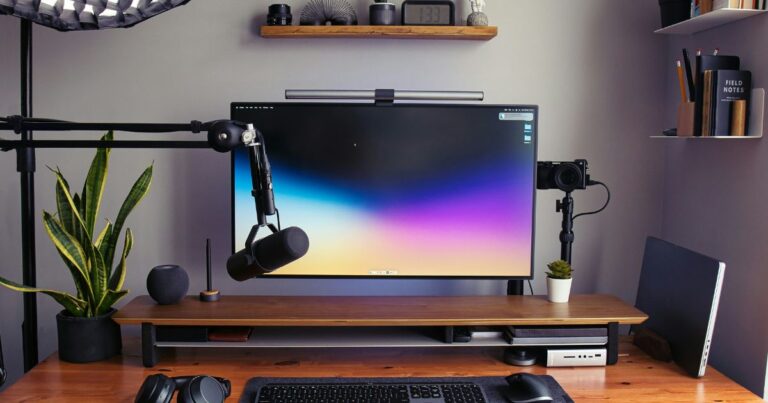
Monitor Light Bar
A monitor light bar sits on top of your monitor, takes up zero desk space, and illuminates your workspace without creating screen glare. For anyone who works in low light conditions it is one of the most immediately impactful additions to any setup.
Traditional desk lamps take up desk space, create hotspots of light, and almost always end up in the wrong position. A monitor light bar has none of those problems.
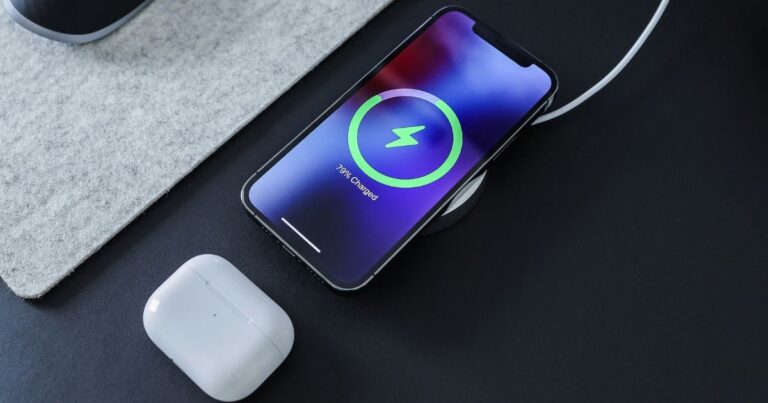
Wireless Charging Pad
One flat charging pad positioned within natural reach eliminates the charging cable that otherwise lives permanently on your desk. Small change, noticeable improvement.
Cable Management
Every cable that is visible on a desk demands a small amount of attention every time you look at it. Collectively they create significant visual noise.
A cable management box hides your power strip and charging bricks completely. Cable clips or a cable tray mounted under the desk keeps everything else off the surface. The combination makes the same setup look dramatically more intentional.
The Budget Breakdown
Budget Setup — Under $300
| Item | Approximate Cost |
|---|---|
| Desk (120cm laminate) | $80 — $120 |
| Monitor arm | $35 — $50 |
| Desk mat (full width) | $20 — $30 |
| Wireless keyboard and mouse | $40 — $60 |
| Cable management box | $20 — $25 |
| Wireless charging pad | $15 — $20 |
| Total | $210 — $305 |
This setup covers everything that matters. It will look clean, function well, and feel considerably better than a desk with no thought put into it.
Premium Setup — Under $600
| Item | Approximate Cost |
|---|---|
| Desk (150cm solid wood or bamboo) | $150 — $250 |
| Monitor arm (premium gas spring) | $80 — $120 |
| Desk mat (full width leather or premium fabric) | $40 — $70 |
| Wireless keyboard and mouse (premium) | $100 — $150 |
| Cable management (box plus under desk tray) | $40 — $60 |
| Monitor light bar | $50 — $80 |
| Wireless charging pad (multi device) | $35 — $45 |
| Total | $495 — $775 |
The premium setup is not twice as good as the budget setup — it is the same setup with better materials, better feel, and longer durability. Start with the budget version and upgrade individual items over time as they wear out or as budget allows.
What to Leave Off the Desk
This is the part most desk setup guides skip entirely.
A minimal desk is defined as much by what is not on it as by what is. These are the things most commonly found on desks that do not earn their place:
Pen holders — most people use one pen. One pen does not need a holder. If you use multiple pens regularly a single small tray is sufficient. A full pen holder filled with seventeen items is clutter with good intentions.
Decorative items — a plant, a small object with meaning, one piece of art. These earn their place. Four plants, a collection of figures, and an arrangement of objects that requires maintenance is decoration that has become its own distraction.
Paper — paper on a desk almost always represents deferred decisions. A single notepad for active use earns its place. Everything else should be filed, actioned, or discarded.
Duplicate technology — two sets of headphones, three charging cables, a tablet and a laptop and a phone all simultaneously present. Decide what you actually use and remove the rest.
The standard is always the same — does this make my work easier, faster, or more comfortable? Everything that cannot answer yes to that question belongs somewhere else.
Building It in the Right Order
This minimal desk setup guide recommends building in this exact sequence for best results.
- Get the desk right first — size and surface matter more than any accessory
- Add the monitor arm — biggest single impact item
- Sort the cables — management box and under desk routing
- Add the desk mat — visual foundation for everything else
- Go wireless — keyboard and mouse, then charging
- Add light — monitor light bar last once everything else is positioned
Each step makes a noticeable difference on its own. Together they produce a setup that works as well as it looks.
The Result
A minimal desk setup done properly is not something you notice much after a while — and that is exactly the point.
It just works. The work gets done. Nothing gets in the way. Nothing demands attention it has not earned.
That is what every item on this list was chosen to help you build.
Already have your desk sorted? Read our guide to the best smart home devices under $200 for the next step in building a minimal, connected home.