Best Desk Accessories 2026: 7 Picks Worth Buying
This post contains affiliate links. If you purchase through them we may earn a small commission at no extra cost to you. Read our full disclosure here.
Finding the best desk accessories in 2026 is harder than it should be.
Whether you’re building a dedicated home office or just upgrading your laptop setup, these accessories work equally well across both – the goal is the same regardless of what
sits on the desk.
Not catastrophically bad — nothing ended up in a bin fire — but bad in the quiet, accumulating way that leaves you with a desk full of things that seemed like a good idea at the time. A cable organizer that was slightly too small. A monitor stand that wobbled. Three different desk organizers that somehow made things look worse.
After enough of those purchases I started asking a different question before buying anything. Not “is this useful?” but “does this actually earn a permanent place on my desk?”
It sounds like a small shift. It is not. Most accessories fail that test immediately.
These seven passed.
This is the only list of best desk accessories 2026 you actually need.
1. Monitor Arm
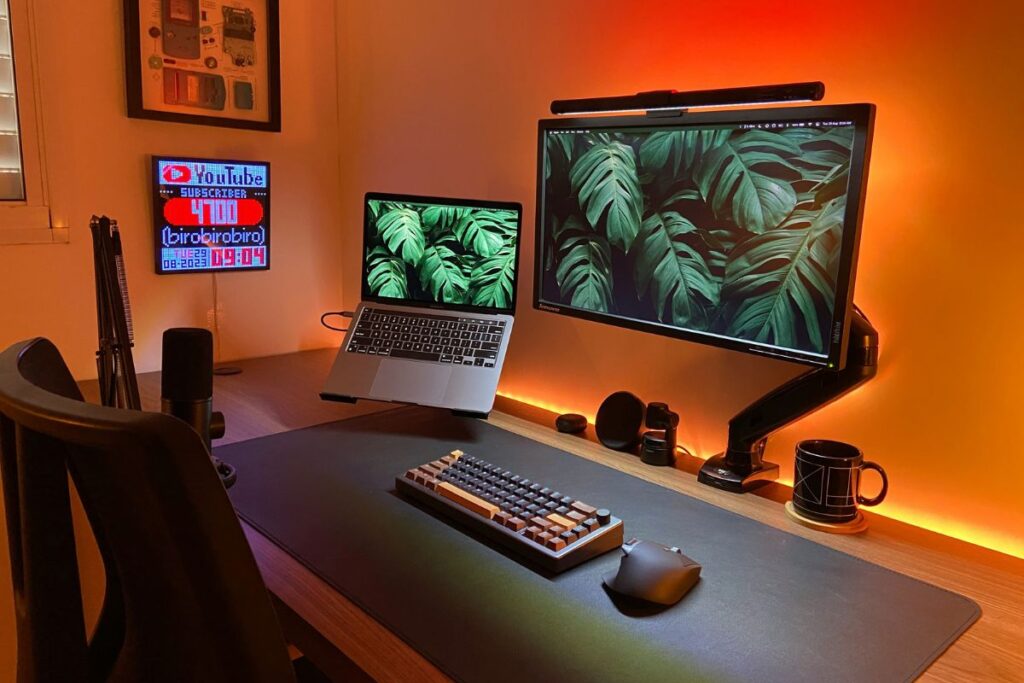
If you only buy one thing from this list, make it this.
The stand your monitor came with is almost certainly doing your desk a disservice. It is fixed at one height, takes up far more surface space than necessary, and looks like what it is — an afterthought designed to get a monitor standing upright, nothing more.
A monitor arm changes the entire feel of a desk. The monitor floats exactly where you need it, your neck stops complaining by mid-afternoon, and suddenly you have a stretch of clear desk surface you forgot existed.
The adjustment is the part people underestimate. Being able to push the screen back when you do not need it and pull it forward when you do sounds minor. After a week you cannot imagine going back.
Look for one with a gas spring mechanism — it means the arm moves with almost no effort and stays exactly where you leave it. Built-in cable management is worth paying slightly more for.
Price range: $35 — $120
2. Wireless Charging Pad
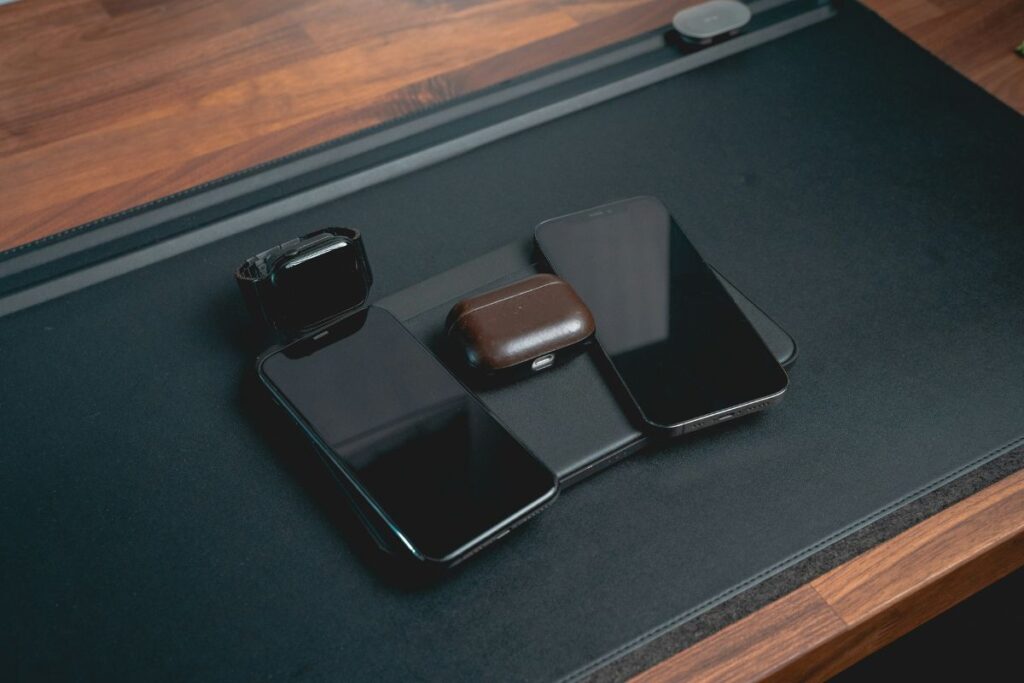
This one is less about function and more about removing a small daily annoyance you have probably stopped noticing.
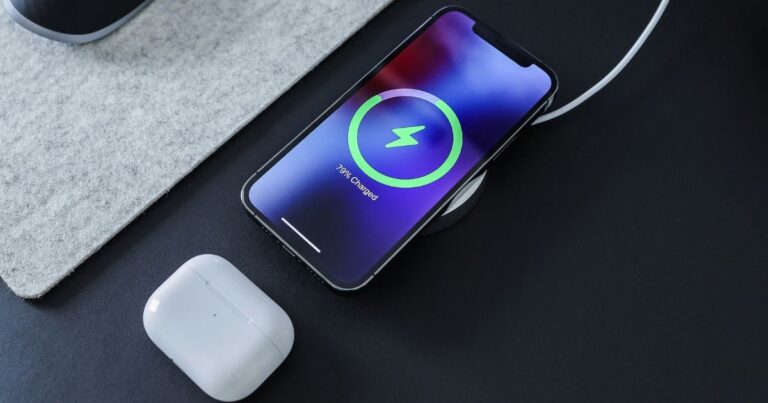
The charging cable that lives on your desk — the one you pick up, plug in, set down, accidentally knock off, pick up again — is minor friction. But minor friction, repeated dozens of times a day, adds up. A flat wireless charging pad eliminates it entirely. Phone goes down, phone charges. That is it.
The best ones are completely flat, have no aggressive LED ring glowing at you while you work, and are quiet about the whole thing. That is all they need to be.
Avoid anything that props your phone at an angle — it takes up more space and moves around. Flat and flush is what you want.
Price range: $15 — $45
3. Cable Management Box
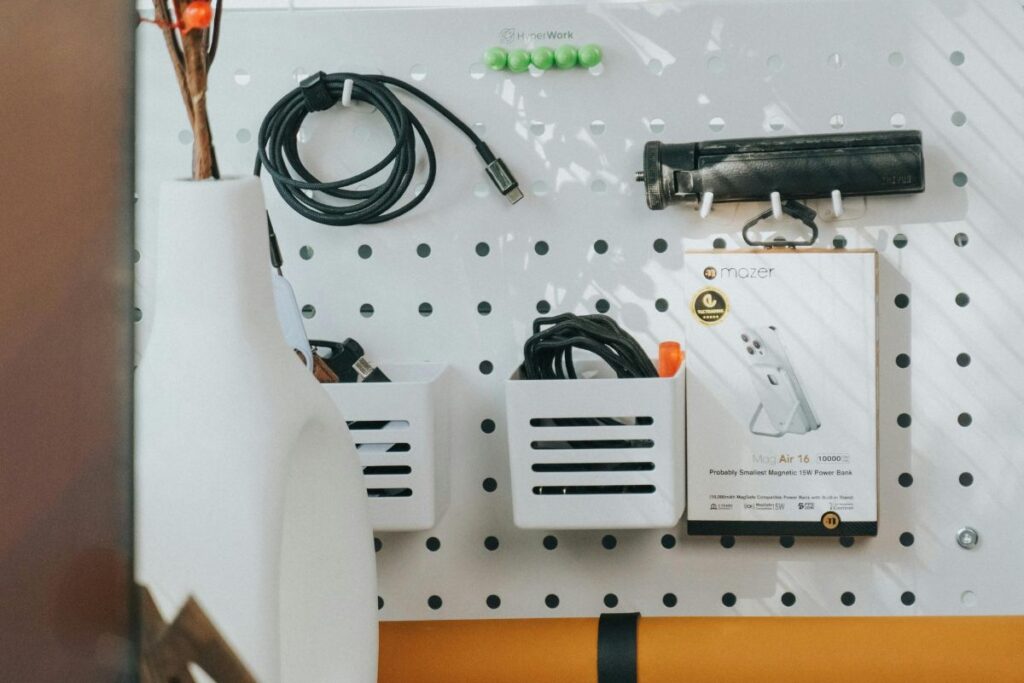
Nobody wants to look at a power strip.
A cable management box is the least exciting purchase on this list and probably the one that makes the most immediate visual difference. Your power strip goes inside. Your charging bricks go inside. The cables that need to come out do so through openings designed for exactly that purpose. The box sits somewhere discreet and you never think about it again.
The before and after is genuinely surprising. The same desk, the same setup, the same cables — except now none of them are visible. It looks like someone actually planned things out.
Get one with ventilation gaps. Power bricks generate heat and a solid box traps it. A vented design keeps everything running safely.
Price range: $20 — $40
4. Desk Mat
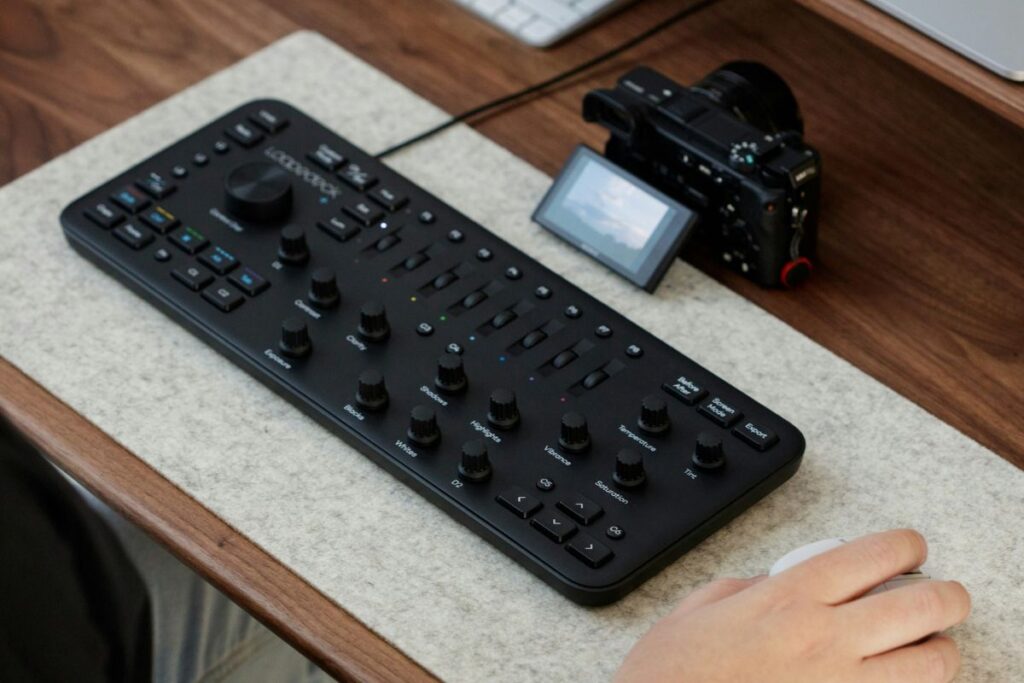
A desk mat is one of those purchases that is difficult to explain until you have one.
It is not just a large mouse pad. It is the thing that makes a desk look like a setup. Everything sitting on it — the monitor arm, the keyboard, the charging pad — suddenly looks like it belongs together rather than a collection of separate things that happened to end up in the same place.
Practically it also protects your desk surface and gives your mouse a consistent tracking surface across its entire range of movement. But honestly the visual effect is the part worth talking about.
Go full width if your desk allows it. A half-width mat looks like a compromise. A full-width mat looks intentional.
Stitched edges matter too — cheap mats start peeling at the corners within months. Stitched edges last considerably longer.
Price range: $20 — $50
5. USB-C Hub
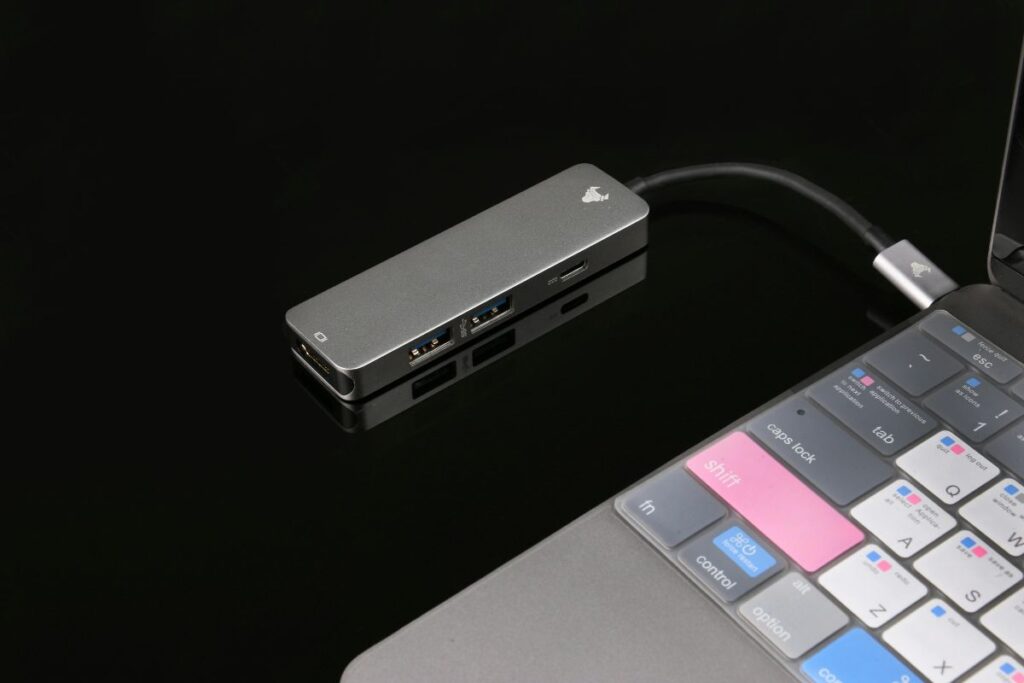
Laptop manufacturers have been quietly removing ports for years in the name of thinness and the result is that most modern laptops have somewhere between one and three USB-C ports and very little else.
A compact USB-C hub gives everything back — HDMI for a monitor, USB-A for anything that has not caught up with USB-C yet, a card slot, ethernet if you need it, and passthrough charging so you are not sacrificing your only power port to run the hub.
The key word is compact. Large desktop docking stations solve the same problem but take up desk space and add visual weight. A small hub that sits flush next to your laptop or attaches to its side does the job without announcing itself.
Price range: $25 — $65
6. Monitor Light Bar
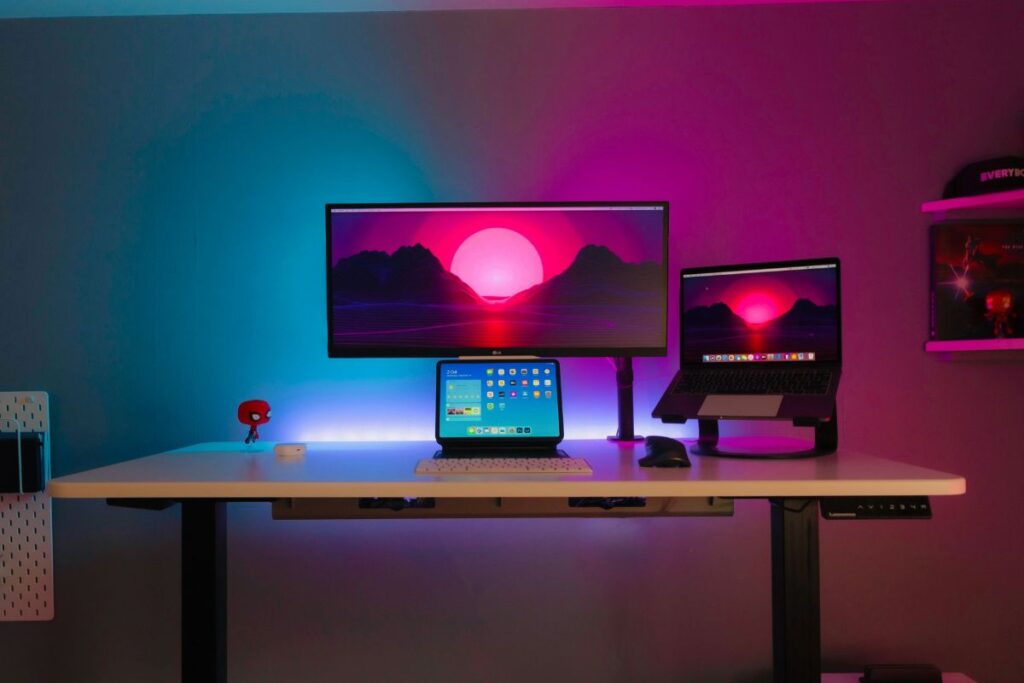
This is the one most people have not heard of and the one they are most surprised by after buying it.
A monitor light bar sits on top of your monitor — no clamp, no arm, no desk space used — and lights your desk surface from above without putting any glare on your screen. That second part is what separates it from every desk lamp that has come before it.
Traditional desk lamps light the room. A monitor light bar lights your desk. The distinction matters more than it sounds when you are staring at a screen for eight hours.
The good ones have a small sensor that adjusts brightness based on ambient light automatically. You set it up once and it handles itself from there.
Price range: $30 — $80
7. Laptop Stand
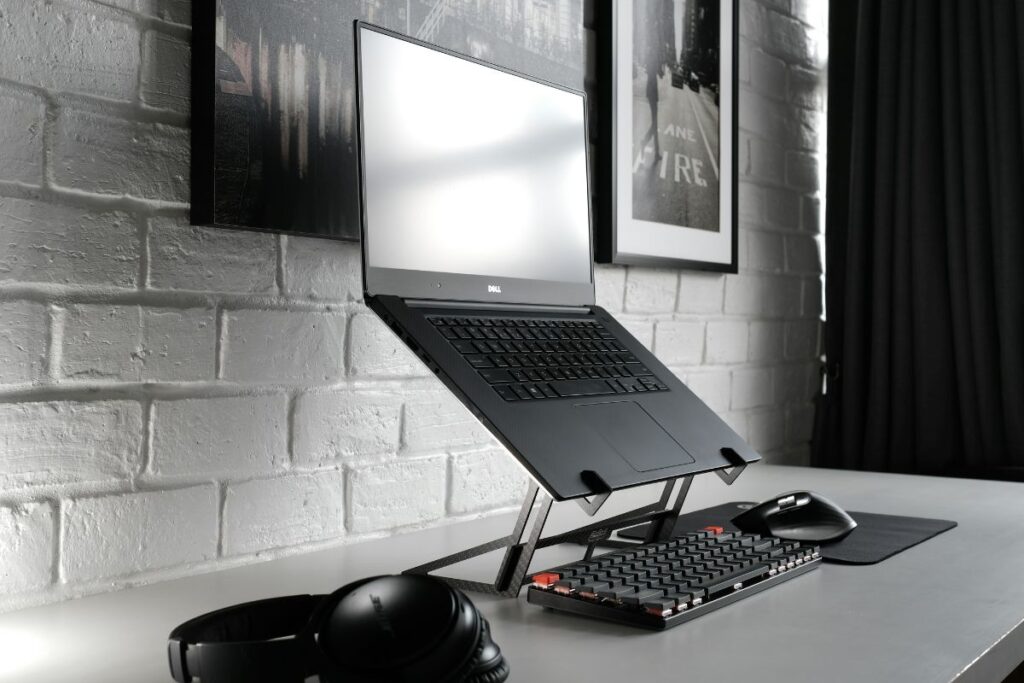
If you use a laptop — either as your primary machine or alongside a monitor — it belongs on a stand.
Flat on a desk, a laptop screen sits well below eye level. You tilt your head down to see it, your shoulders follow, and after a few hours your neck reminds you this was not a good arrangement. A stand raises the screen to roughly eye level and the difference in how your body feels at the end of a long day is noticeable.
Beyond posture there is the desk space argument. A laptop on a stand takes up a fraction of the footprint of the same laptop lying flat. Combined with a wireless keyboard and mouse, your laptop becomes a proper desktop setup without losing the option to grab it and leave.
Look for adjustable height, ventilation gaps to keep the laptop cool, and a folding design if you move between locations.
Price range: $20 — $55
Why Only Seven
There is a version of this list with twenty items on it. Every desk accessories roundup seems to have twenty items.
Twenty items is not a curated list. It is everything that could conceivably sit on a desk, assembled in one place to maximise the chance that something gets clicked.
These seven are the ones that made a genuine difference. The ones where the desk worked better, looked cleaner, or both. Nothing made this list because it was popular or because it pays a good commission. It made the list because it earned a permanent place.
Start with the monitor arm. Add the desk mat. Work through the rest in whatever order makes sense for your setup.
By the end you will have a desk that actually works — and nothing on it that does not.
These are the best desk accessories 2026 has made available that genuinely earned a permanent place.