Smart Home Security: The Minimal Approach
This post contains affiliate links. If you purchase through them we may earn a small commission at no extra cost to you. Read our full disclosure here.
Smart home security minimal approach starts with one honest question most security guides never ask — how much security do you actually need?
The default answer from most smart home security content is more. More cameras, more sensors, more subscriptions, more monitoring. The result is a home that feels surveilled rather than secure and a monthly bill that grows faster than the peace of mind it was supposed to buy.
This guide takes a different position.
Genuine home security does not require a professional monitoring subscription, a dozen cameras covering every angle, or a control panel that takes a week to configure. It requires the right devices in the right places doing their jobs quietly and reliably.
Three levels. Clear recommendations at each one. No overkill.
Why Most Smart Home Security Guides Get It Wrong
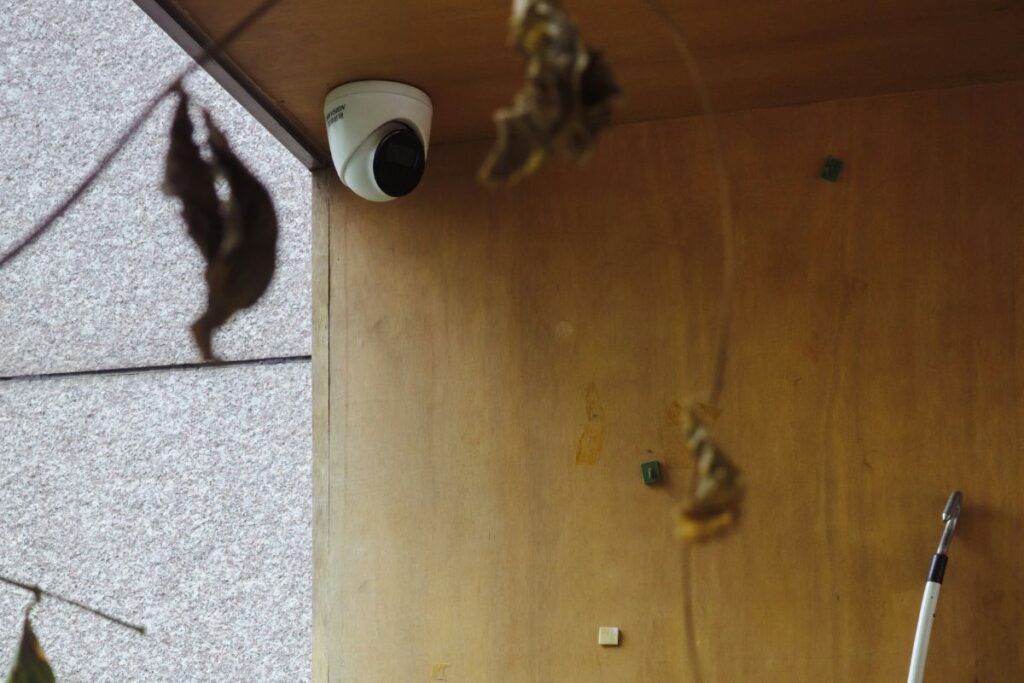
Most smart home security content is written to sell as many devices as possible. The result is setups that are genuinely excessive for the vast majority of homes — multiple indoor cameras, outdoor cameras on every corner, video doorbells, motion sensors on every window, glass break detectors, and a monthly monitoring fee on top.
For a family home in a high crime area some of that makes sense. For most people it is anxiety dressed up as preparation.
Smart home security the minimal approach is not about having less protection — it is about having exactly the right protection for your situation.
That question produces a very different shopping list.
The Three Levels of Minimal Smart Home Security
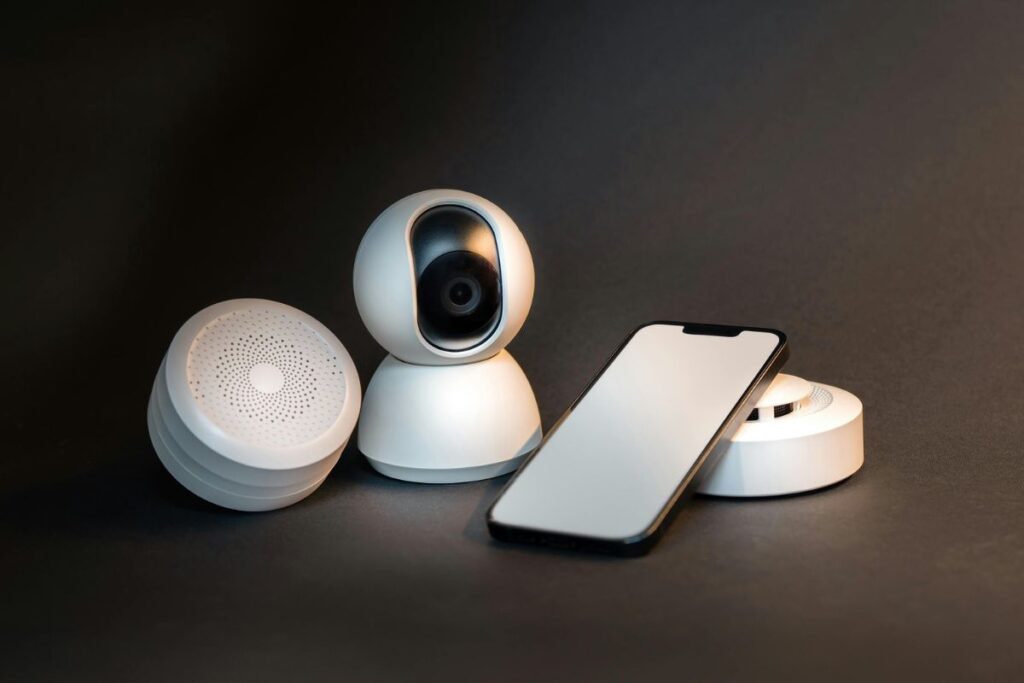
Level 1 — Essential Security
Budget: $50 — $100 For: Apartments, low risk areas, first time smart home security buyers
This level covers the two entry points that matter most in any home — the front door and the main living area. Nothing more.
| Device | Purpose | Approximate Cost |
|---|---|---|
| Smart video doorbell | See and speak to anyone at the door remotely | $30 — $60 |
| Single indoor smart camera | Monitor main living area when away | $25 — $45 |
| Total | $55 — $105 |
What this covers:
- Package theft prevention — visible doorbell camera deters opportunist theft
- Remote monitoring — check in on your home from anywhere
- Motion alerts — notification when movement detected
What it does not cover:
- Side or rear entry points
- Window sensors
- Professional monitoring
For most apartments and low risk properties this is genuinely sufficient.
Search on Amazon: smart video doorbell budget + indoor security camera wifi
Level 2 — Intermediate Security
Budget: $150 — $250 For: Houses, families, areas with moderate security concerns
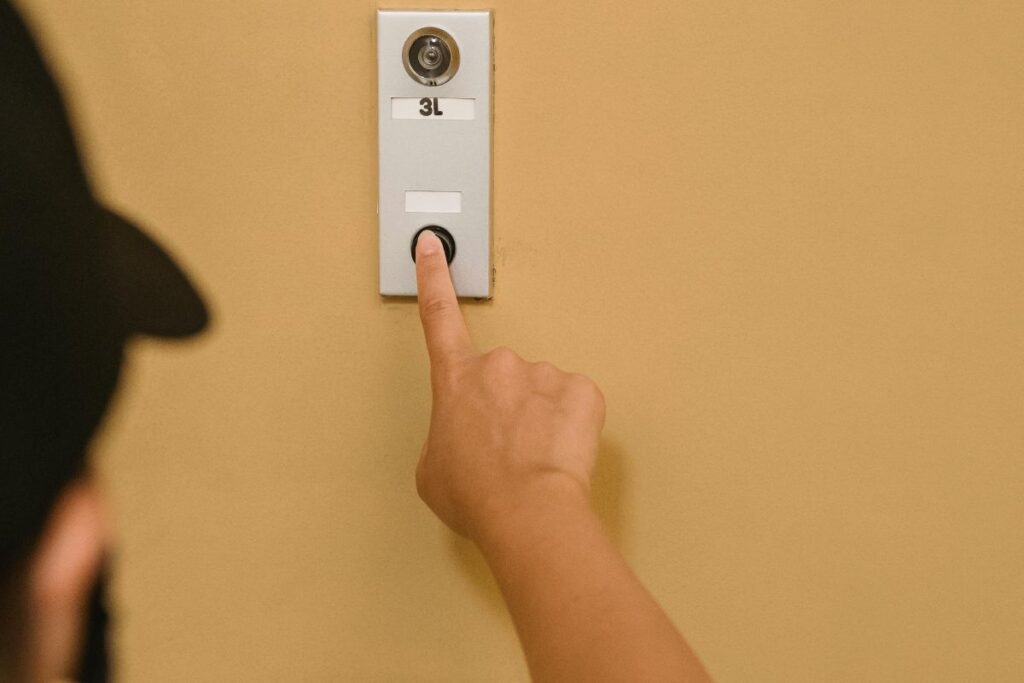
This level adds outdoor coverage and entry point monitoring to the Level 1 foundation. It addresses the most common entry points without becoming excessive.
| Device | Purpose | Approximate Cost |
|---|---|---|
| Smart video doorbell | Front door coverage | $50 — $80 |
| Outdoor security camera | Rear or side coverage | $40 — $70 |
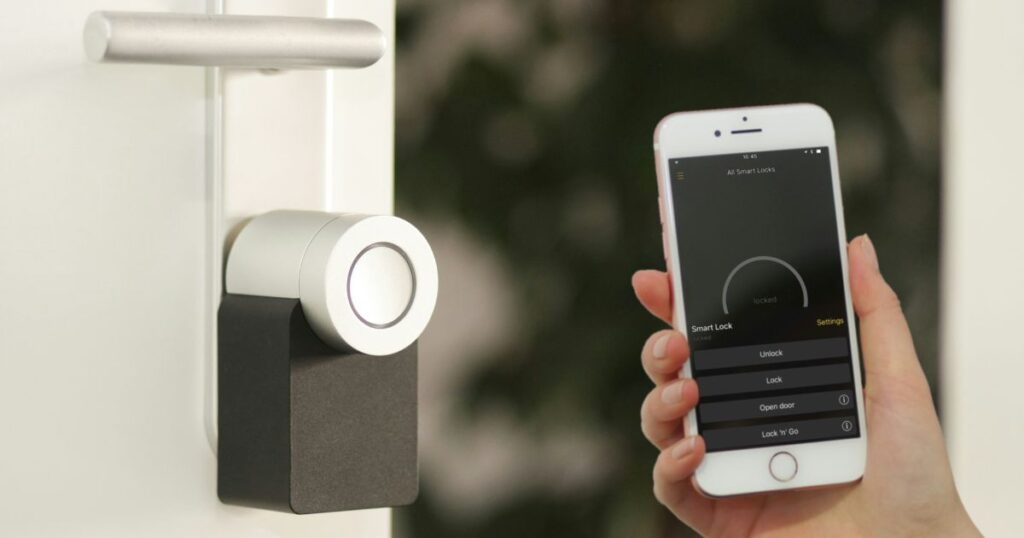
| Smart door lock | Keyless entry and access control | $60 — $100 |
| Total | $150 — $250 |
What this covers:
- Front and rear entry coverage
- Keyless entry — no hidden spare keys
- Remote door locking and unlocking
- Motion activated recording
- Access logs — know who entered and when
What it does not cover:
- Window sensors
- Professional monitoring
- Indoor cameras
This is the level most houses genuinely need and nothing beyond it.
Search on Amazon: outdoor security camera wifi + smart door lock keyless
Level 3 — Complete Security
Budget: $300 — $500 For: Larger homes, families with children, higher risk areas
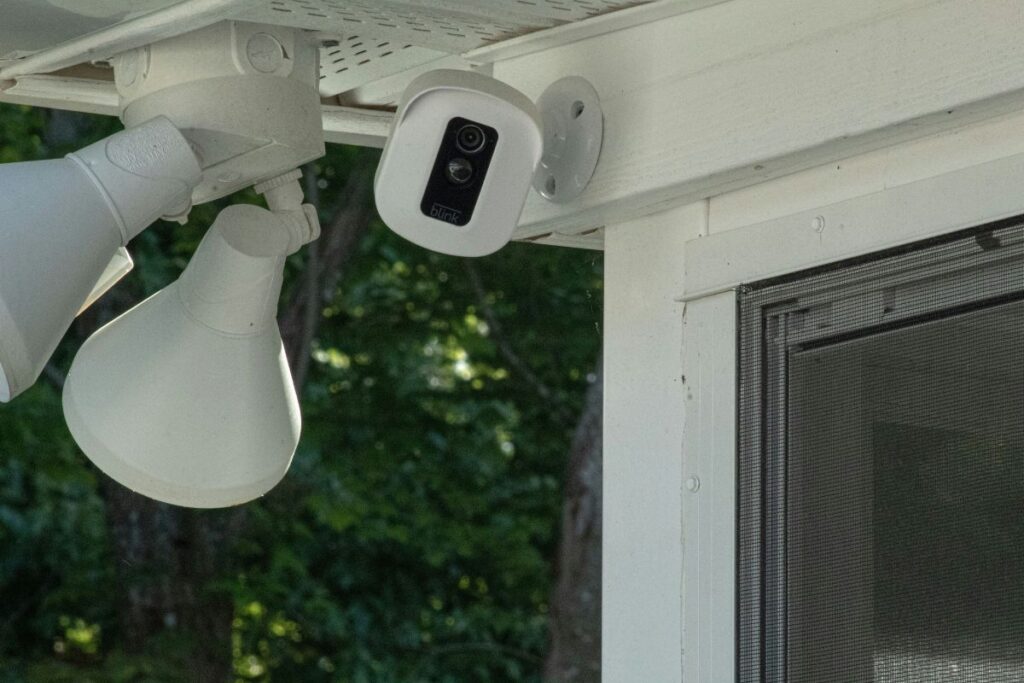
This level builds a comprehensive security system that covers all entry points, provides professional monitoring capability, and integrates all devices into a single app.
| Device | Purpose | Approximate Cost |
|---|---|---|
| Smart video doorbell | Front door coverage | $60 — $100 |
| 2 outdoor security cameras | Full perimeter coverage | $80 — $140 |
| Smart door lock | Keyless entry and access control | $70 — $120 |
| Window and door sensors (4 pack) | Entry point monitoring | $30 — $50 |
| Smart security hub | Centralised control and monitoring | $60 — $100 |
| Total | $300 — $510 |
What this covers:
- Full perimeter camera coverage
- All main entry points monitored
- Centralised app control
- Professional monitoring capability
- Smart alerts and automation
This level covers everything a residential property genuinely needs. Beyond this is professional or commercial grade security.
Search on Amazon: smart security system hub complete + window door sensors wifi
The Best Devices at Each Level
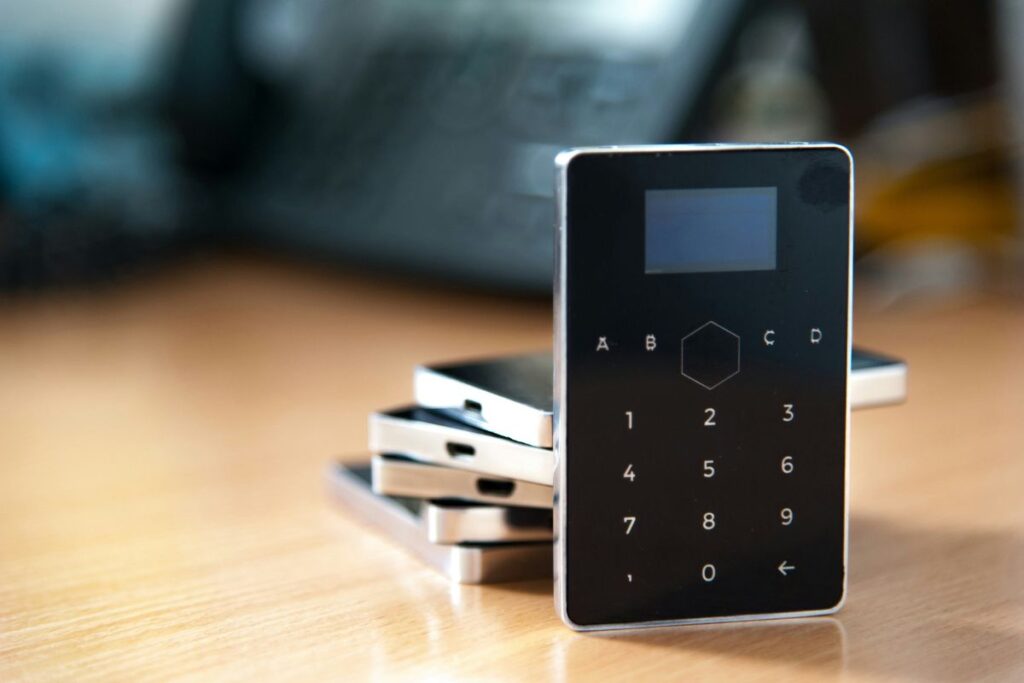
Best Budget Video Doorbell
Blink Video Doorbell
The best entry level smart doorbell available. Wire free installation, two way audio, motion detection, and compatibility with Alexa make it the most accessible doorbell camera on the market. Battery life is measured in months rather than days and the app is straightforward enough to set up in under twenty minutes.
Best Outdoor Security Camera
Wyze Cam Outdoor
Wyze has built a reputation for delivering significantly more capability than its price suggests and the Cam Outdoor is the clearest example of that. Weatherproof, wireless, motion activated, and compatible with Alexa and Google Home — it covers everything an outdoor camera needs to do for under $50.
Best Smart Door Lock
Schlage Encode Smart WiFi Deadbolt
Smart door locks range from adequate to genuinely excellent. The Schlage Encode sits firmly at the excellent end — built in WiFi means no separate hub required, the keypad is reliable in all weather conditions, and the build quality is noticeably better than cheaper alternatives. Access codes can be created and deleted remotely making it ideal for households with cleaners, dog walkers, or frequent guests.
Best Indoor Security Camera
Wyze Cam v3
The best value indoor security camera available by a significant margin. 1080p video, color night vision, motion and sound detection, and two way audio for under $35. The Wyze app handles multiple cameras cleanly and the motion detection sensitivity is adjustable enough to avoid constant false alerts.
Best Smart Security Hub
Samsung SmartThings Hub
For Level 3 setups a hub that integrates all devices into a single interface is worth the investment. SmartThings supports the broadest range of devices of any hub available and the app handles complex automation — cameras that trigger lights, sensors that send alerts, locks that engage automatically — without requiring technical knowledge to configure.
We covered SmartThings in more detail in our smart home starter kit guide.
The Minimal Security Principles
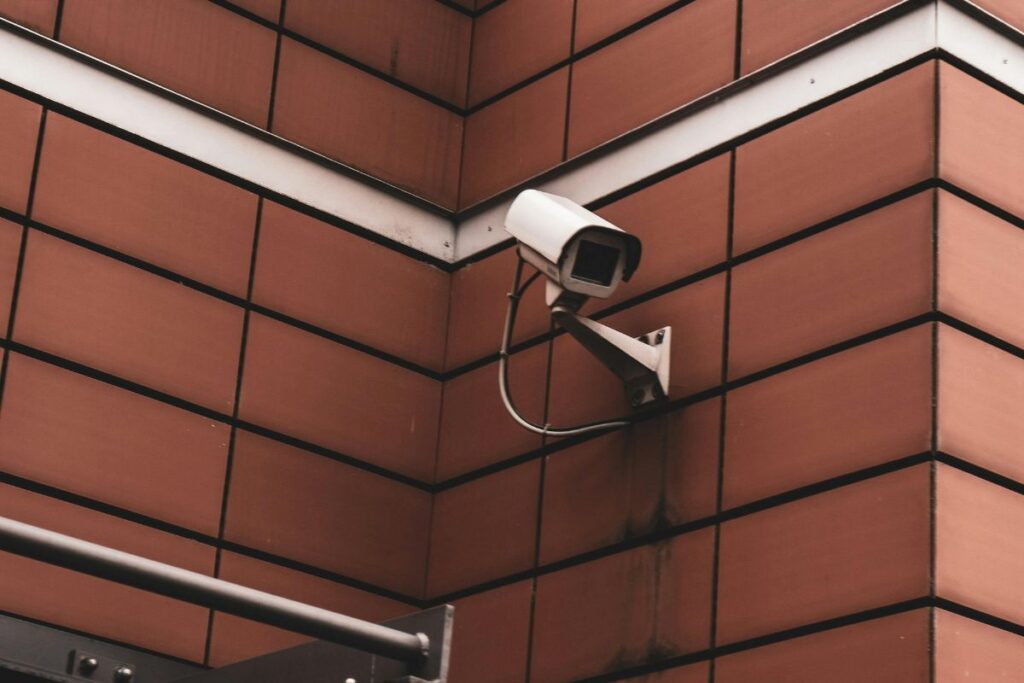
Visible Deters More Than Hidden
A security camera that can be seen is more effective at preventing incidents than a hidden one that records them. Position cameras visibly at entry points — the deterrent effect is the primary value, the recording capability is secondary.
Cover Entry Points First
Windows on upper floors, side gates that are always locked, rear doors that have never been opened — these are not priority security concerns for most homes. Cover the front door, the rear entry point, and the main living area. That addresses the vast majority of real risk.
Avoid Monthly Subscriptions Initially
Most smart security devices offer free local storage or free cloud storage for recent clips. Professional monitoring subscriptions add $10 — $30 per month for a service most homeowners never need. Start without a subscription and add one only if your situation genuinely requires it.
One App is Better Than Three
Choose devices from one ecosystem where possible — all Blink devices, all Wyze devices, or all Ring devices — so everything is managed from a single app. Security that requires three apps to monitor is security that does not get monitored.
Which Level is Right for You
| Your Situation | Recommended Level |
|---|---|
| Apartment or flat | Level 1 |
| House in low risk area | Level 1 — Level 2 |
| House in moderate risk area | Level 2 |
| Family home with children | Level 2 — Level 3 |
| Larger property or higher risk area | Level 3 |
| Previous security incidents | Level 3 |
Start at the level that matches your situation. Add to it only if your circumstances change or if the level you start with reveals a genuine gap.
Conclusion
Smart home security done the minimal way is not about having less protection. It is about having the right protection — devices that cover real risk without creating a home that feels like it is under constant surveillance.
Start with Level 1 if you are unsure. It costs under $100, takes an afternoon to set up, and covers the entry points that matter most. Add Level 2 when the budget allows and your situation warrants it.
Everything beyond that is optional.
Ready to build the rest of your smart home? Read our smart home starter kit guide for the devices worth adding once security is sorted.